
How to choose a webinar host
When configuring an Eventzilla Webinar, you can choose how your webinar can be configured with additional features.
This help you compare the available hosting options and understand which webinar features are included with each provider. This allows you to select the hosting option that best matches your webinar requirements before completing the setup.
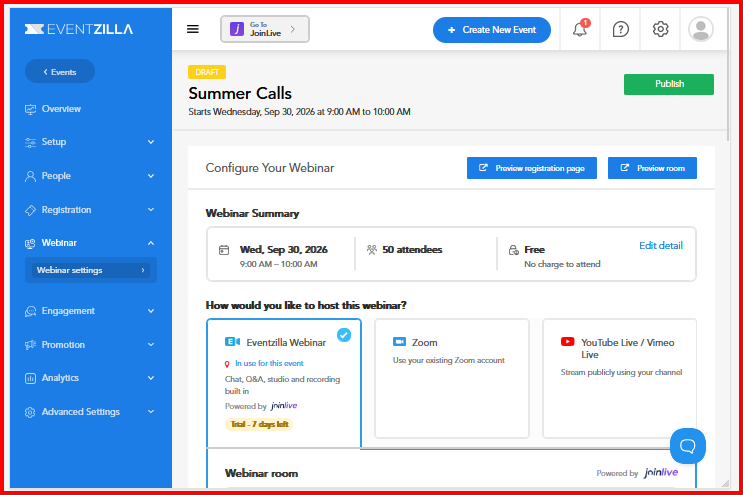
Available Webinar Providers
Eventzilla provides different hosting options, including:
- Eventzilla Webinar
- Zoom
- YouTube/Vimeo
Each provider offers a different combination of webinar capabilities.
Provider comparison
| Feature | Eventzilla Webinar | Zoom | YouTube/Vimeo |
|---|---|---|---|
| Studio | Available | Not available through Eventzilla's webinar studio | Not available |
| Chat | Available | Depends on the Zoom setup/provider capabilities | Depends on the selected streaming platform |
| Replay | Available | Depends on Zoom recording settings | Depends on the selected YouTube/Vimeo setu |
| Polls | Available in Joinlive | Available through Zoom | Platform-dependent |
|
Handouts |
Available in Joinlive |
Not an Eventzilla webinar feature | Not available as an Eventzilla webinar featur |
The exact features available can depend on the provider configuration and account/setup being used.
Eventzilla Webinar
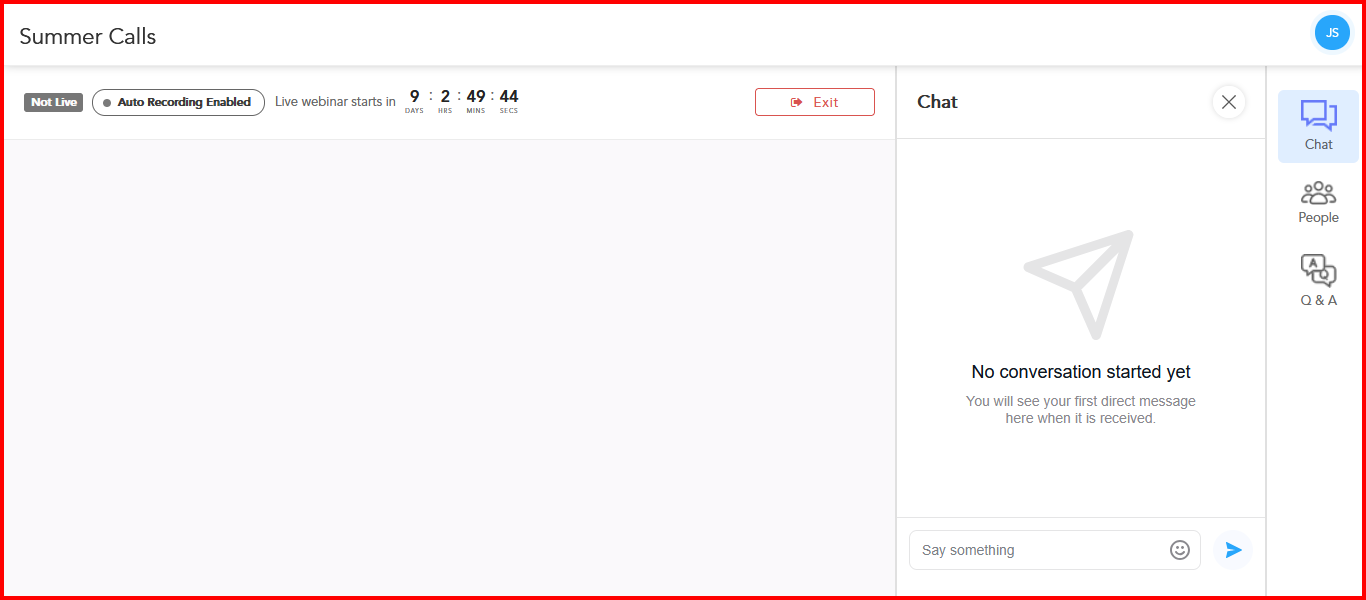
Eventzilla Webinar is designed for organizers who want to host their webinar directly through the Eventzilla webinar experience.
With Eventzilla Webinar, the hosting experience can include features such as:
Studio
The Studio provides the webinar hosting environment for presenting and managing the live webinar.
This is useful when you want to conduct the webinar without relying on a separate webinar provider.
Chat
Attendees can use the available chat functionality to interact during the webinar.
Chat can be useful for:
- Attendee questions
- Discussions during the presentation
- Sharing information with attendees
- Keeping attendees engaged during the session
Replay
The webinar can support a replay experience, allowing attendees to access the recorded webinar after the live session, depending on the webinar configuration.
Additional Engagement Tools in Joinlive
When Eventzilla Webinar is selected, the webinar experience is powered by Joinlive, which provides additional tools to make the live session more interactive and engaging.
Polls
Create and launch polls during the webinar and share the live results with attendees.
Handouts
Share files and other resources with attendees so they can download the handouts during the webinar.
Offers & CTAs
Display offers and calls-to-action (CTAs) during the webinar to encourage attendees to take a specific action.
For example, you can use CTAs to direct attendees to a registration page, offer, resource, or other relevant action.
Choose Eventzilla Webinar when:
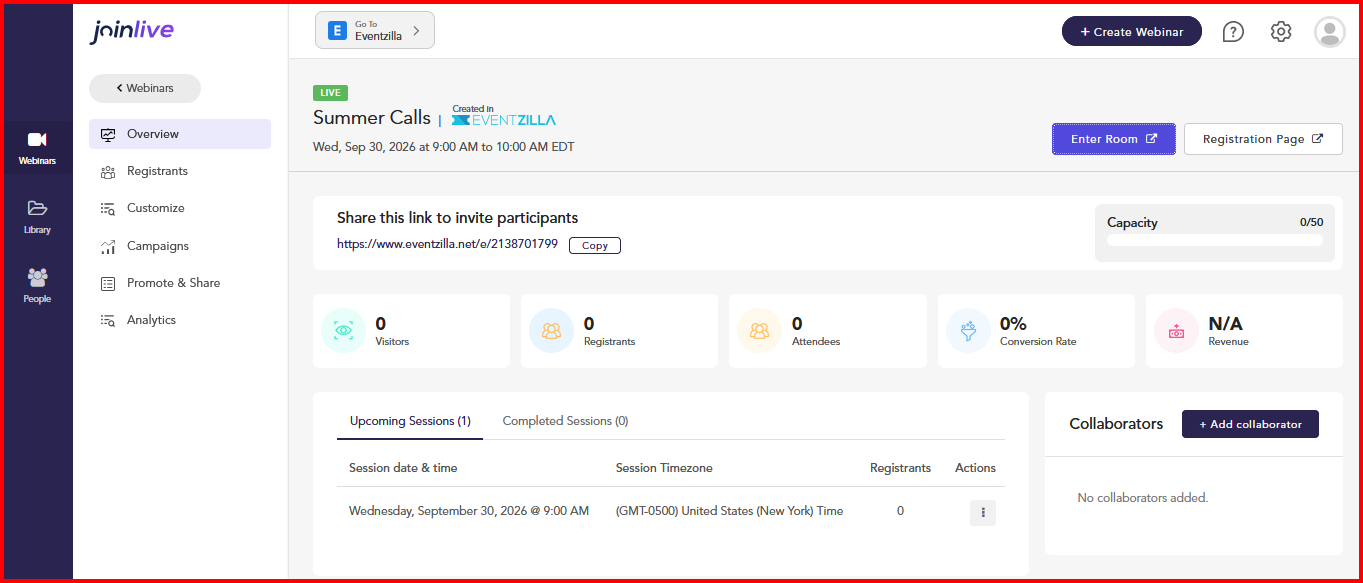
You want an all-in-one webinar experience where you can manage event registration and host your webinar from the same platform. This makes it easier to manage your attendees and webinar experience without having to use separate tools for registration and hosting.
Eventzilla Webinar, powered by Joinlive, is also a good choice when audience engagement is an important part of your webinar. In addition to essential webinar features such as Studio, Chat, and Replay, you can use interactive tools such as Polls, Handouts, and Offers & CTAs to engage your audience throughout the session.
Choose Eventzilla Webinar when you want to bring registration, webinar hosting, and audience engagement together in one streamlined experience.